
Sub-page (deep) scraping
When the data you need sits on the pages a list links to, such as the details behind every posting on a job board, scrape the list of links first and then the same fields from every linked page. This is sub-page (deep) scraping, and it runs in your browser with no saved recipe.
How it works
- Scrape the list of URLs you want details from.
- Visit one of those URLs and pick the data you want.
- Scrape all the URLs the same way.
Scrape every page a list links to
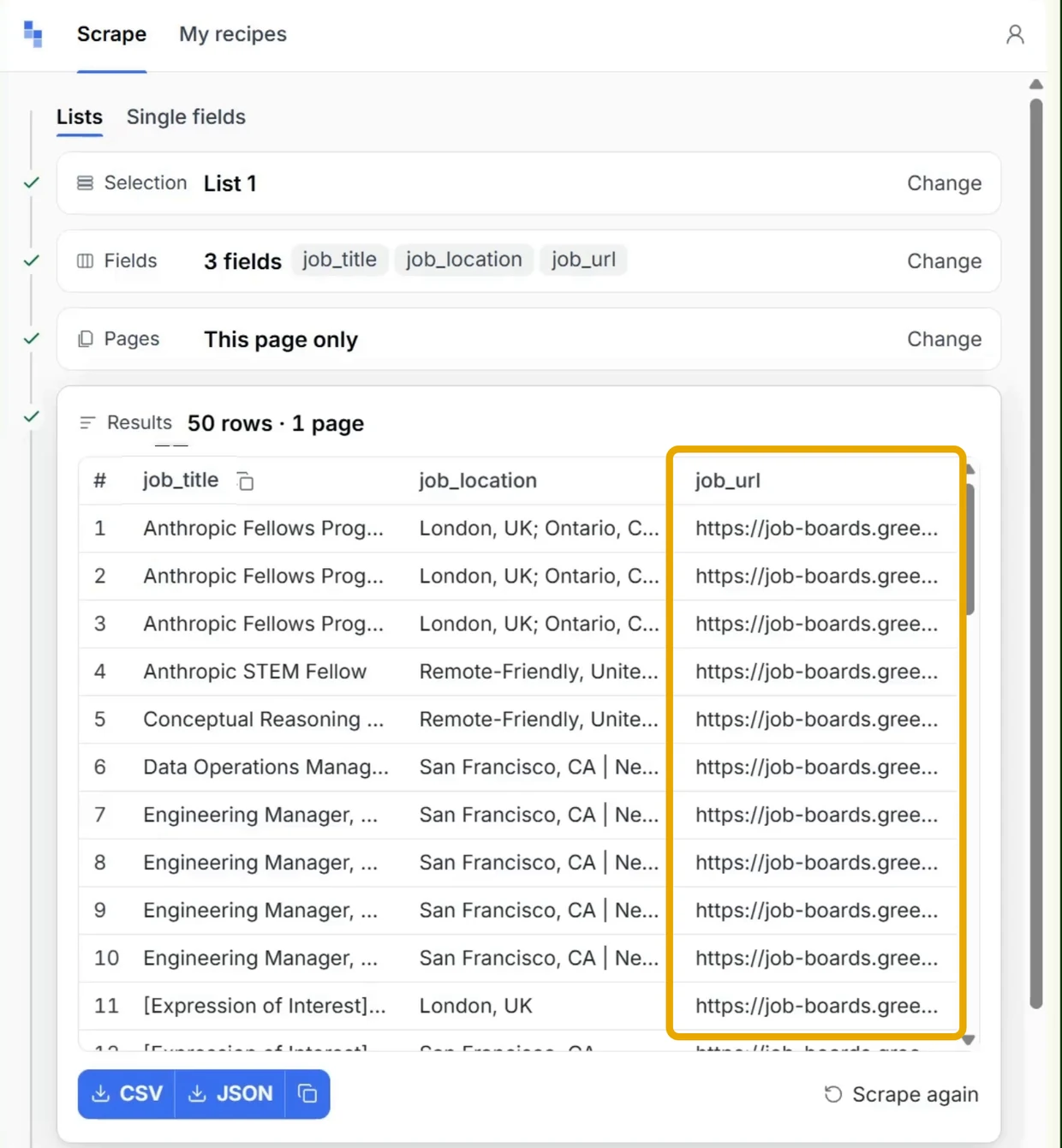
On the page with the list, open the extension and scrape the list. Its results need a column of links, such as each job's URL.
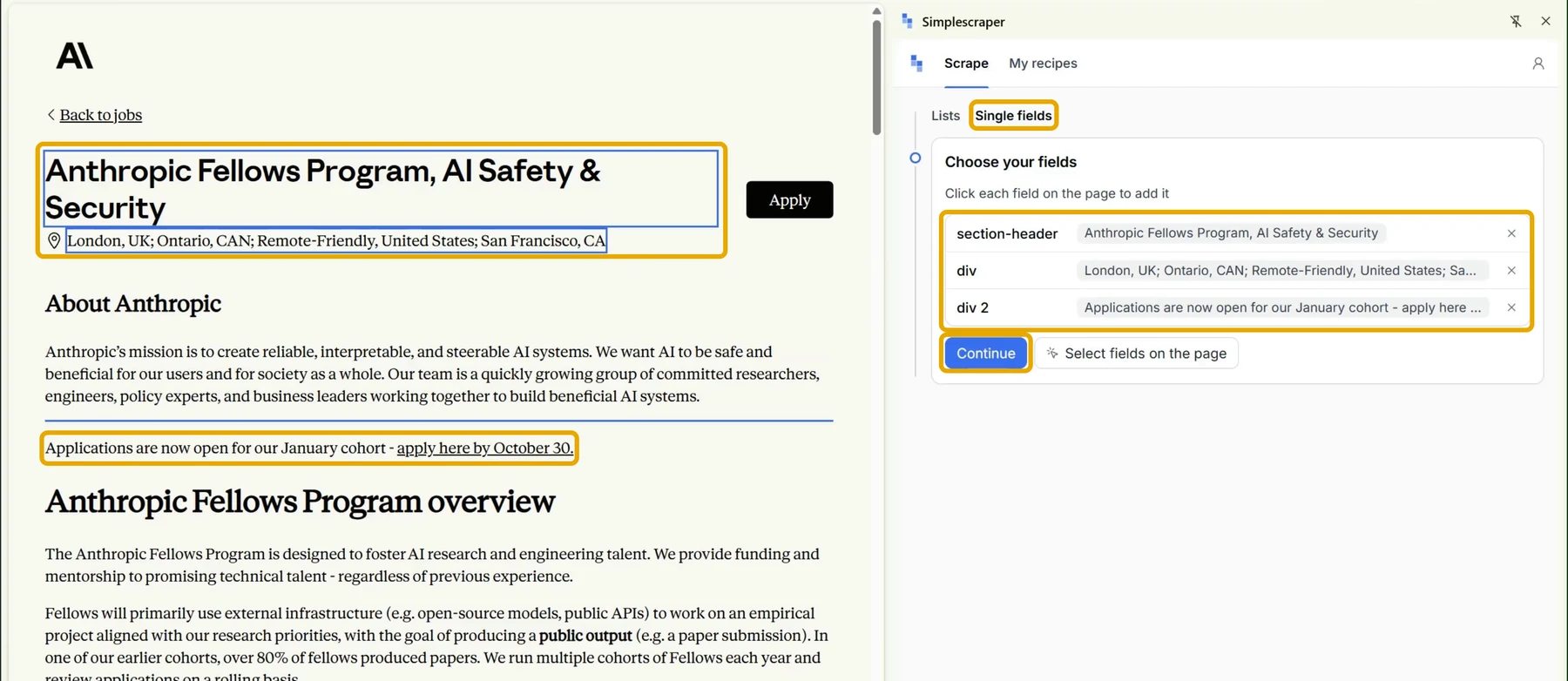
Open one of the linked pages and click 'Single fields'.
Click each value you want from the page, such as the job title, location and description, then click 'Continue'.
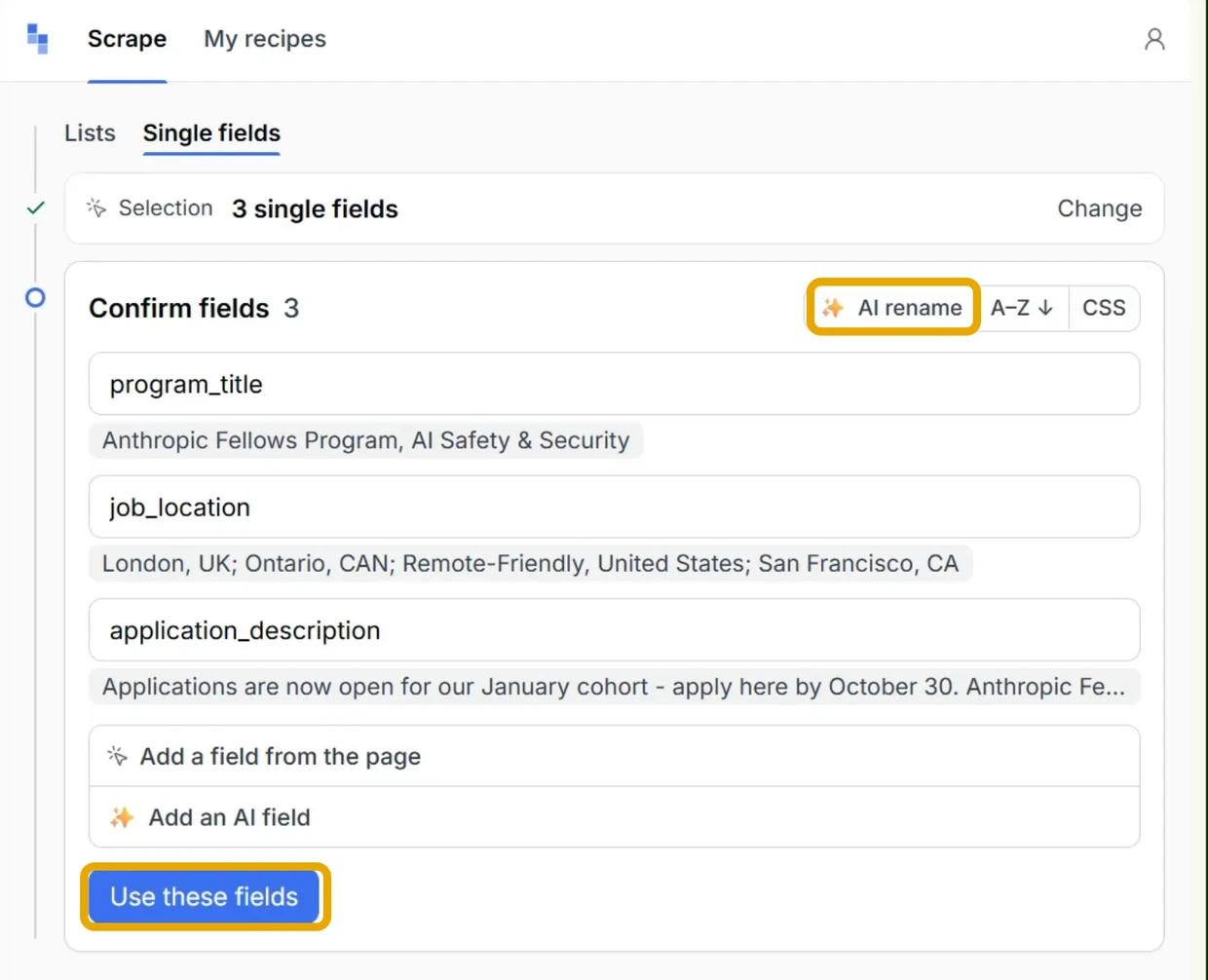
Check the field names and click 'Use these fields'.
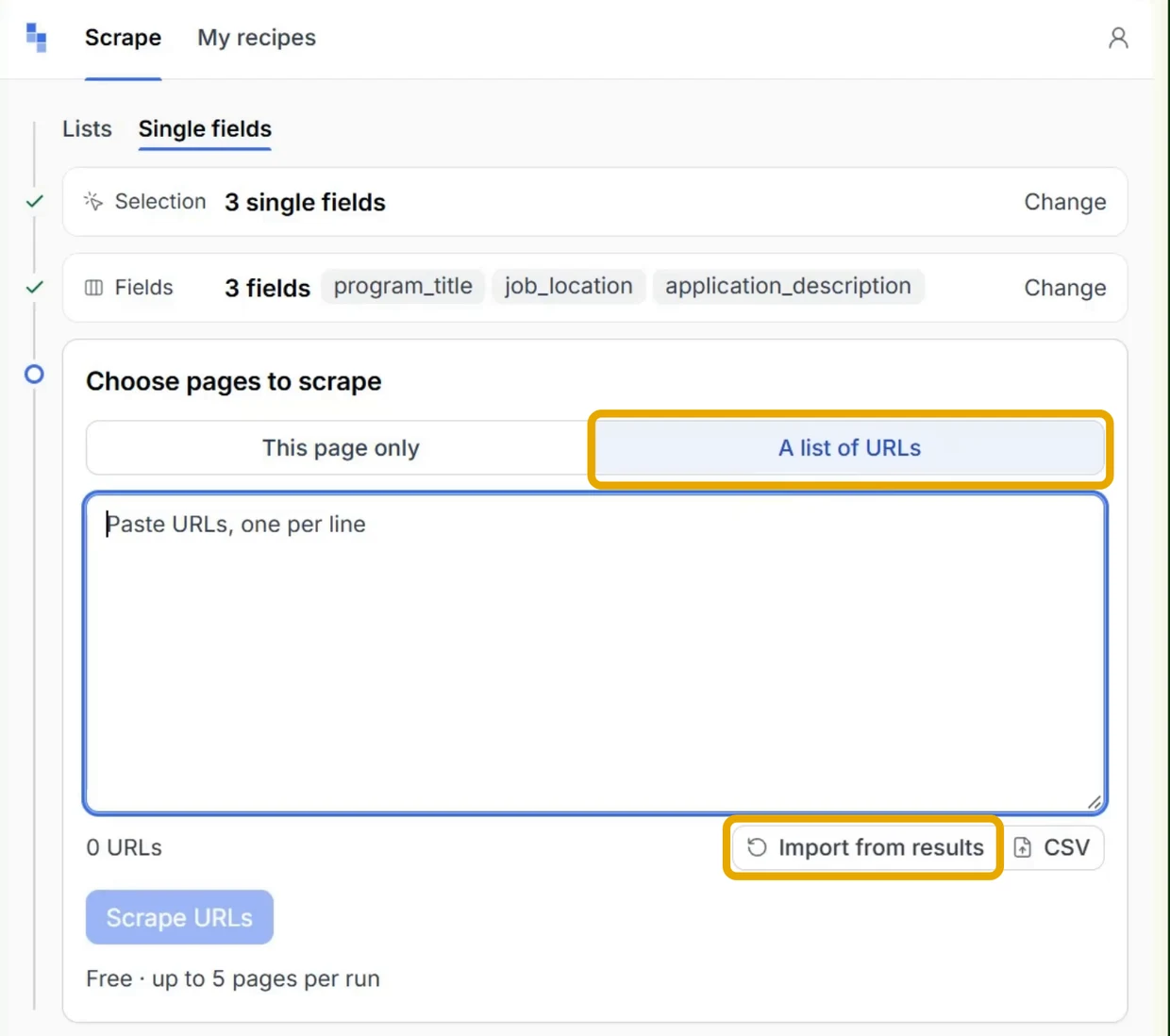
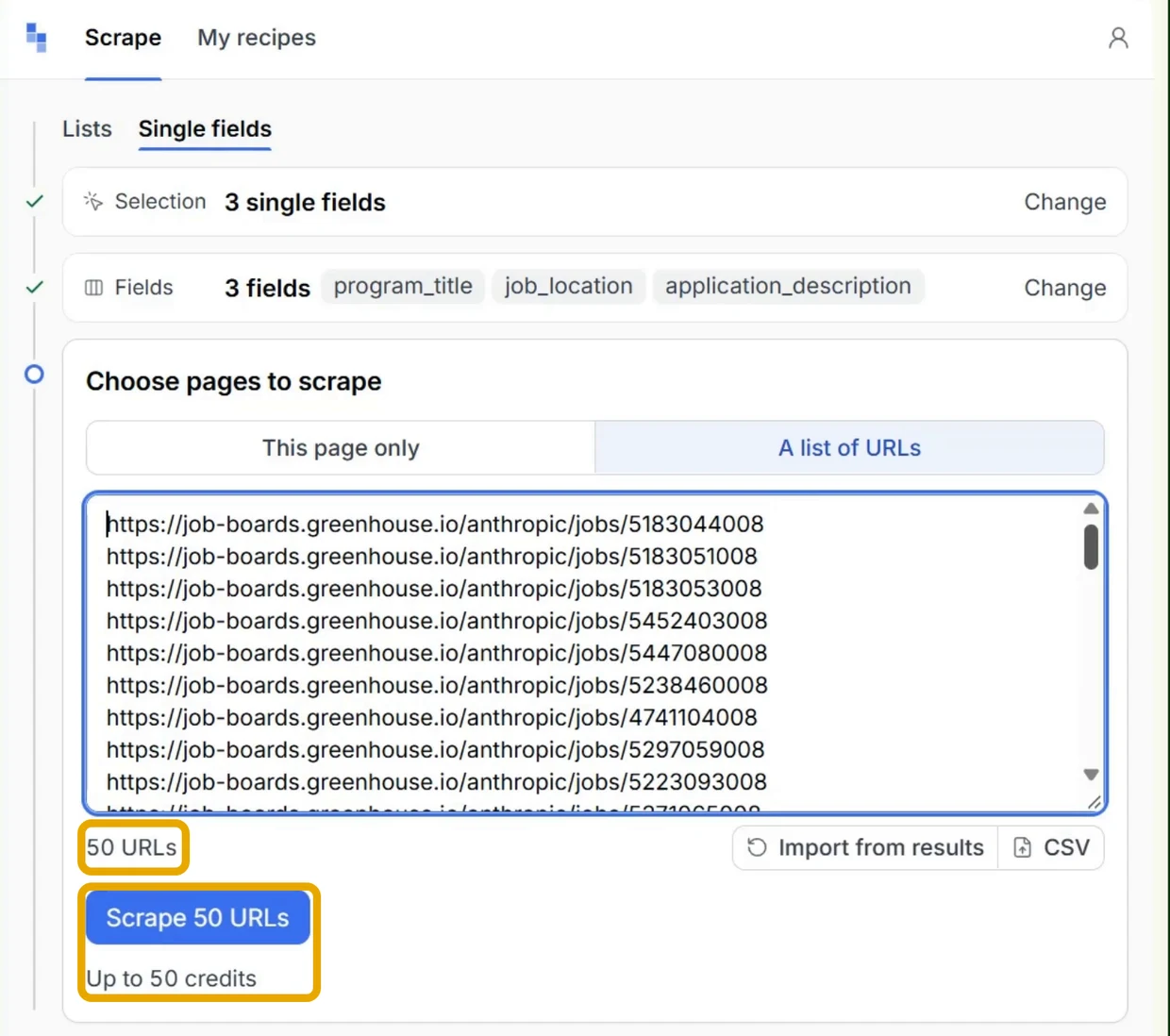
Under 'Choose pages to scrape', choose 'A list of URLs' and click 'Import from results'.
Under 'Run', pick the scrape that collected the links. The list holds every scrape in this browser that kept a column of links, saved or not, and opens on the newest one from the same site. If that scrape has more than one column of links, choose one under 'Links column'.
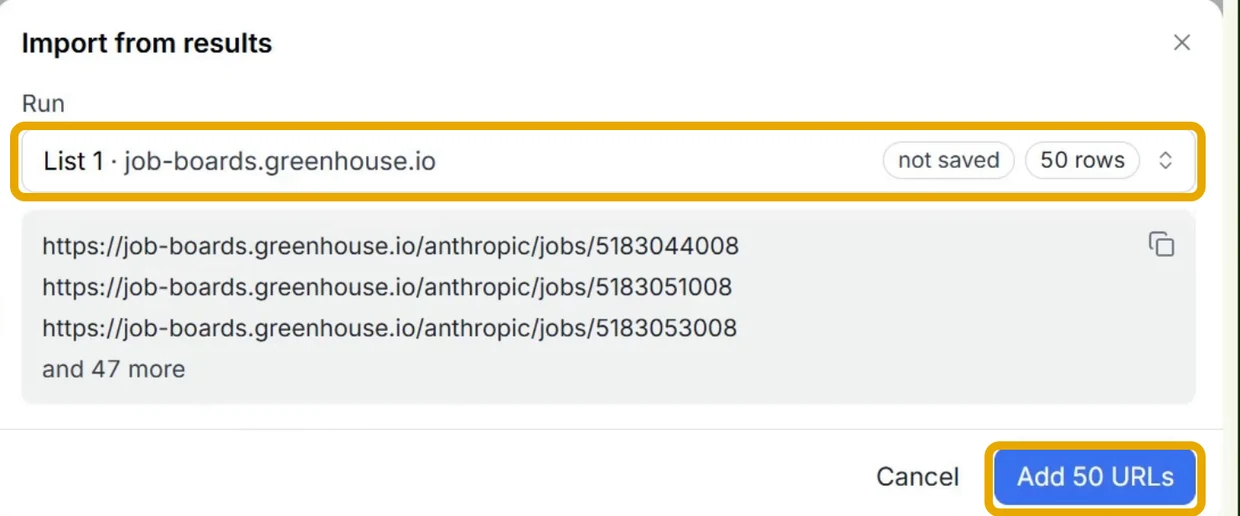
Click 'Add URLs', then 'Scrape URLs'.
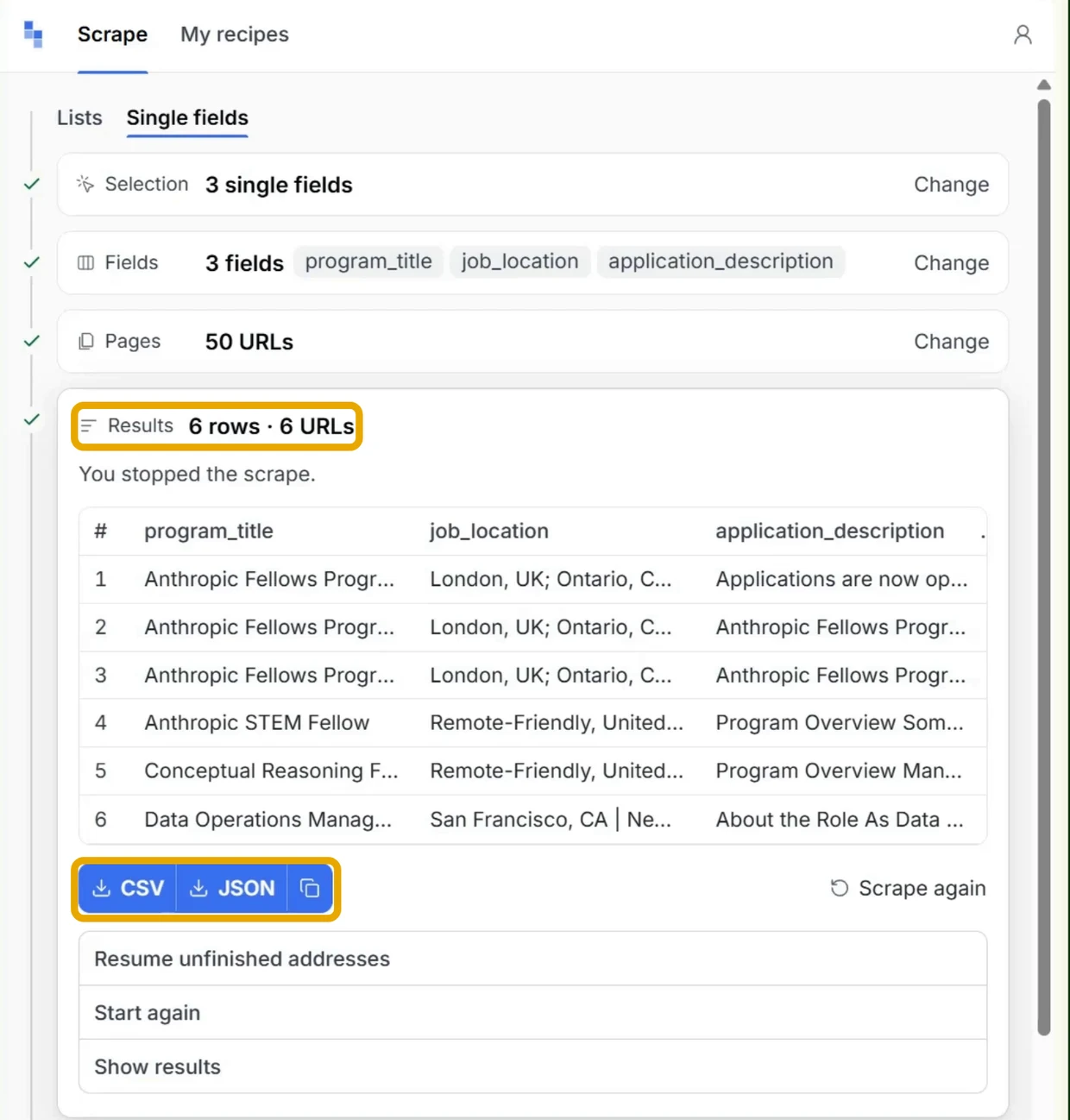
To download the rows, or to resume a run you stopped, see Download results.
Repeat it later
- Save it as a recipe: click 'Save as recipe' when the run finishes. The recipe keeps its list of URLs, so you can run it again from 'My recipes'.
- Use a detail recipe you already saved: open it from 'My recipes', choose 'A list of URLs', import the links with 'Import from results' and click 'Run now'.
- Run it on a schedule or with your browser closed: see Sub-page (deep) scraping in the cloud.
More Guides
- Bulk scraping in the browser - paste or upload your own list of URLs
- Sub-page (deep) scraping in the cloud - run the same job on a schedule
- Scraping and saving recipes - scrape a list and save it as a recipe
For questions or help, reach out via chat.