Screenshot any website. One API call.
Exact viewports or the full page, in PNG, JPEG or WebP, with cookie banners and ads hidden. Get back a hosted link, base64 or the raw image.
These websites were captured today using the Screenshot API.
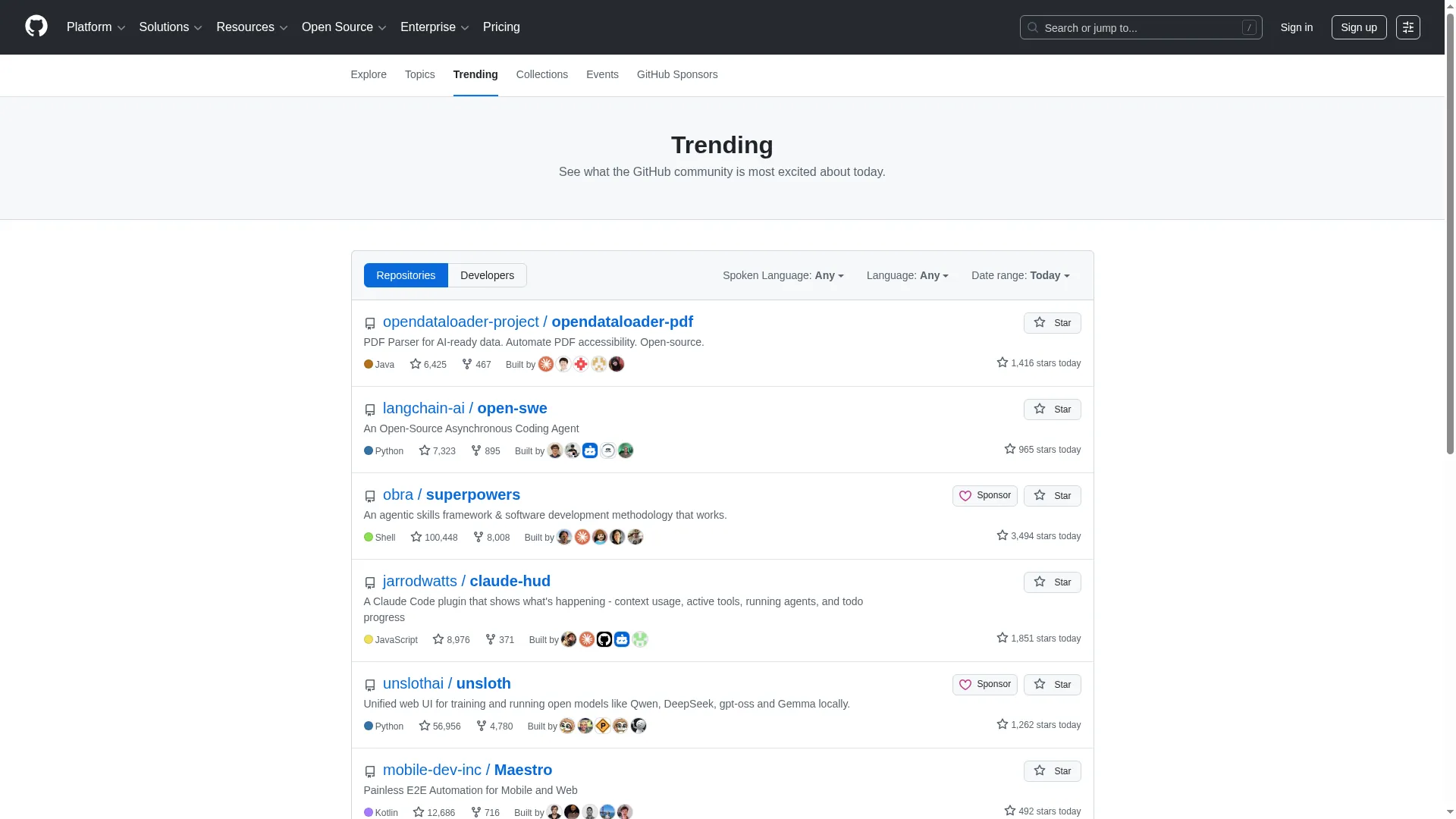
{
  "url": "https://github.com/trending",
  "viewport_width": 1920,
  "viewport_height": 1080,
  "format": "webp",
  "output": "url"
}
Screenshot API options
Capture any webpage as a high-fidelity image. Choose the viewport, format and rendering options to get exactly the output you need.
Any viewport size
320px to 3,840px width and height.
viewport_widthFull page capture
Scroll the entire page, even lazy-loaded content.
full_pagePNG · JPEG · WebP
Choose your format and control the compression quality.
formatRetina display
1x, 1.5x, 2x or 3x pixel density.
device_scale_factorHide popups and ads
Remove cookie banners and ad overlays automatically.
hide_popupsTransparent backgrounds
Perfect for compositing, in PNG and WebP.
hide_backgroundSmart page loading
Wait for a selector, network idle or a custom delay.
wait_untilHosted URLs or raw bytes
Get a hosted link, base64 or the binary image directly.
outputScreenshot API request builder
Set the options on the left and the code on the right follows, in JavaScript, Python, cURL or a plain GET URL.
const response = await fetch('https://api.simplescraper.io/v1/screenshot', {
  method: 'POST',
  headers: {
    'Content-Type': 'application/json',
    'Authorization': 'Bearer YOUR_API_KEY'
  },
  body: JSON.stringify({
    url: 'https://github.com/trending',
    viewport_width: 1920,
    viewport_height: 1080,
    format: 'webp',
    output: 'url',
    quality: 80,
    hide_popups: true
  })
});

const data = await response.json();
console.log(data.screenshot);| Output | What comes back | Kept |
|---|---|---|
| base64 | JSON with the image as base64 text, plus the page title and size. The default. | Not stored, unless you add store |
| url | JSON with a public link to the hosted image. | 30 days |
| binary | The raw image bytes with an image content type, and no JSON. | Not stored, unless you add store |
How the Screenshot API works
Authenticate with your API key, send a URL and the options you want, and the image comes back in the same response.
Send the URL
POST it with your API key, or use a GET request with query parameters.
Choose the shot
Set the viewport, format, full page and page-loading options.
Get the image
A hosted link, base64 text or the raw bytes, in one response.
FAQ
What image formats does the Screenshot API support?
PNG, JPEG, and WebP. PNG gives lossless quality and supports transparency. JPEG is smaller with adjustable quality (1-100). WebP offers the best compression-to-quality ratio. Choose the format that fits your use case.
Can I capture screenshots without writing code?
Yes. Every scraping run saves a screenshot of each page it visits, which you can open from the run in your dashboard. To capture any address on demand, the Screenshot API takes one request with the page URL.
Can I capture full-page screenshots of long pages?
Yes. Set full_page to true and the API scrolls the entire page, including lazy-loaded content, and captures everything in a single image. Works on pages of any length.
How do I hide cookie popups and ads in screenshots?
Set hide_popups to true and the API automatically removes cookie consent banners, newsletter overlays, and common ad elements before capturing. For ads specifically, set hide_ads to true.
What viewport sizes are supported?
Any width and any height from 320px to 3,840px. Common presets include desktop (1920x1080), laptop (1280x800), tablet (768x1024), and mobile (375x812). You can also set device_scale_factor for retina captures at 1x, 1.5x, 2x, or 3x.
How long are hosted screenshot URLs available?
Hosted screenshot URLs (output=url) are available for 30 days. For permanent storage, use output=binary or output=base64 and store the images yourself.
How many screenshots can I capture in bulk?
There is no batch limit: send one request per page, as many side by side as you need.
Take your first screenshot by API today.
Sign up, copy your API key and capture any page. 100 free credits to start.
Start free